SKI TRIP · CABIN WEEKEND
A ski trip itinerary for the cabin group chat
Rentals, first chair, who is cooking. Type the weekend on your phone and send it to the group as images. No Canva, no app.
The sample inside
This is what the template opens with. The names and plans are made up; replace every line with yours.
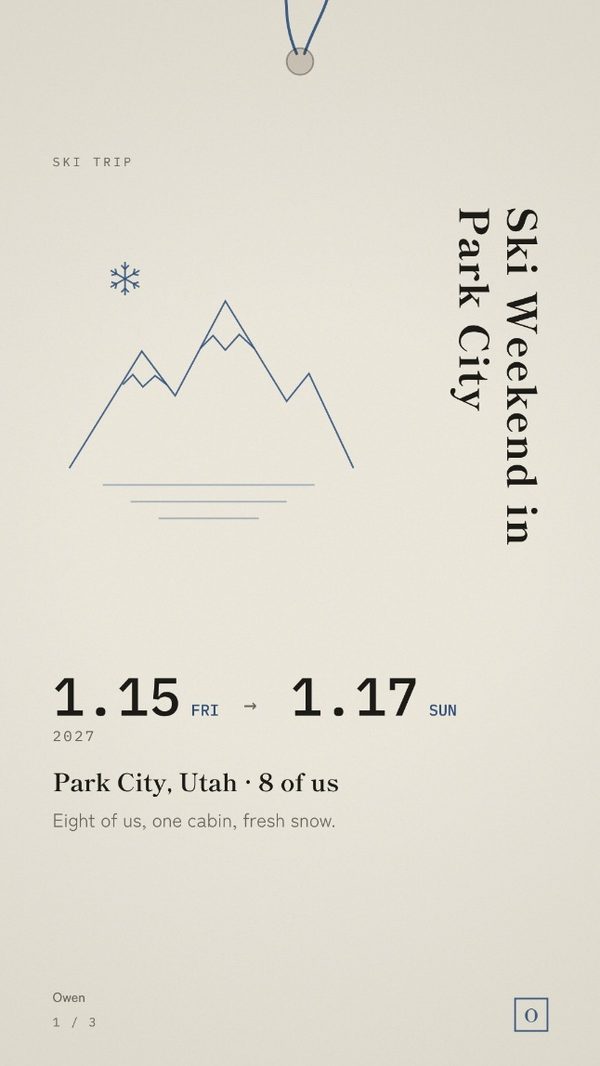
Ski Weekend in Park City
Eight of us, one cabin, fresh snow.
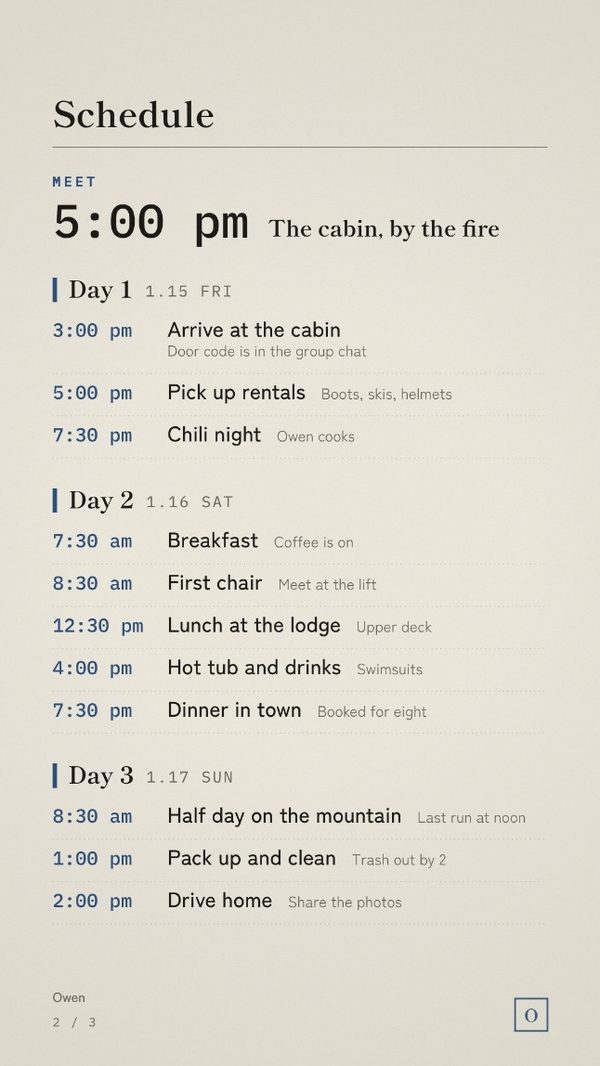
Day 1FRI
Day 2SAT
Day 3SUN
WHAT TO PACK
- Ski jacket and pants
- Gloves, hat and goggles
- Base layers
- Swimsuit for the hot tub
- Sunscreen and lip balm
GOOD TO KNOW
- Lift tickets are on your phone
- Lessons at 9:00 for beginners
- Drink water at altitude
- Questions? Text Owen
- Photos go in the shared album
COSTS
$420 each
Cabin for two nights and lift tickets.
Send your share to Owen by December 15.
Before you send it
- Pick up rentals on the first evening, not the first morning.
- Put the beginners' lesson time in the notes.
- Split the cabin and the lift tickets in the costs box, with a pay-by date before the trip.
How it works
Questions
Do I need Canva or an app?
No. It opens in the browser on your phone or computer. There is no account to make.
What do I get?
A PDF with your private link to the editor. Type your plans, pick one of five colours, add an initial for the seal, and save the pages as phone-sized images (1080 × 1920): a cover, the schedule, and a page of what to pack, notes and costs.
Can I change it later?
Yes. It stays saved in that browser on that device. Change a line and save the images again.
Is what I type uploaded anywhere?
No. Your plans stay on your device.
Is it only for the place in the sample?
No. The sample is a starting point. Replace every line with your own city, dates and plans.
Can I print it?
It is made for phone screens, not for print.
Other editions
- Christmas Itinerary
- Girls Trip Itinerary
- New Year's Eve Itinerary
- Holiday Party Timeline
- Bachelorette Weekend Itinerary
- Nashville Bachelorette Itinerary
- Scottsdale Bachelorette Itinerary
- Miami Bachelorette Itinerary
- Las Vegas Bachelorette Itinerary
- New Orleans Bachelorette Itinerary
- Wedding Weekend Itinerary
- Wedding Day Timeline
- Galentine's Weekend Itinerary
- Valentine's Weekend Itinerary
- Birthday Weekend Itinerary
- Japan Trip Itinerary
- Paris Trip Itinerary
- Italy Trip Itinerary